
Category: Prism.Forms
-

Explore Prism.Forms With Prism Form Features Gallery
If you want to explore the framework, or if you are already using Prism.Forms and would like to know what all it has to offer, perhaps you are a product owner and would like to test out Prism.Forms APIs with your product, or you are a community contributor who would like to learn, share, teach,…
-

Enhance Your Xamarin.Forms App’s User Experience With Polly
One of the biggest issue API reliant apps face is unreliable network connectivity. As users move around with their mobile devices, they are bound to run into poor or dropped network connectivity issues. We must have a strategy around transient faults and network issues, and that’s where Polly comes to the rescue.
-
Pro Tip: Useful Code Snippets For Your Xamarin.Forms Development
Code snippets are a hidden gem in Visual Studio that most of us do not pay much attention to. Utilizing them correctly can increase productivity when we have a lot to code. In Visual Studio, code snippets are available for multiple programming languages e.g. C#, F#, XML, HTML, CSS, Python, etc. They are extremely useful…
-

Inject Static Libraries And Plugins In Xamarin (Prism.Forms)
When using a container for dependency injection in your Xamarin.Forms app, you may find yourself trying to use a plugin or library that is static that you want to register with your container. Having statics in our code makes it hard to test and causes coupling. In this post, I will demonstrate using Prism.Forms how…
-
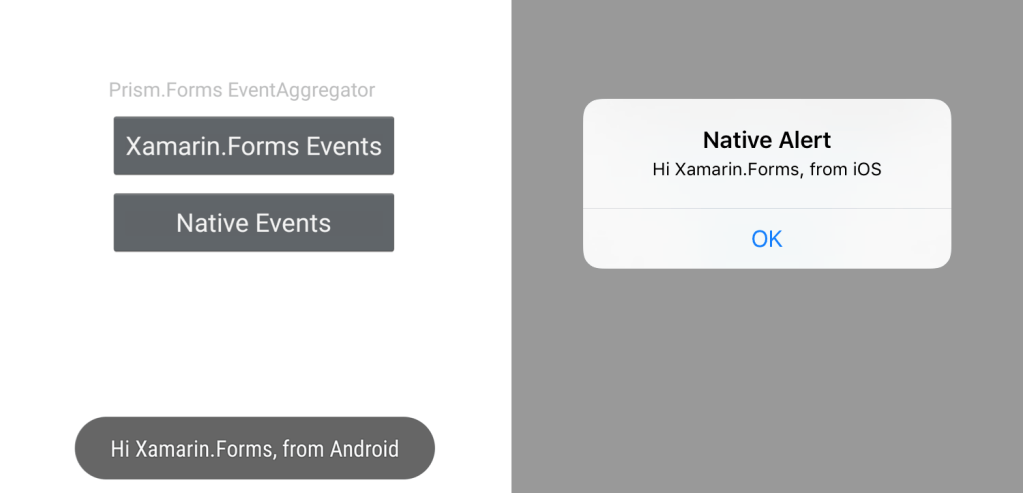
Using Prism.Forms EventAggregator with Xamarin.Forms
If you are building a Xamarin.Forms app, it should be a no-brainer that you use MVVM pattern for your code base. It should also be a no-brainer that you give Prism.Forms a try. It makes development fast and code easy to maintain with its plethora of built-in services such for navigation, dependency injection, alerts, events,…
 IntelliAbb